Client Types
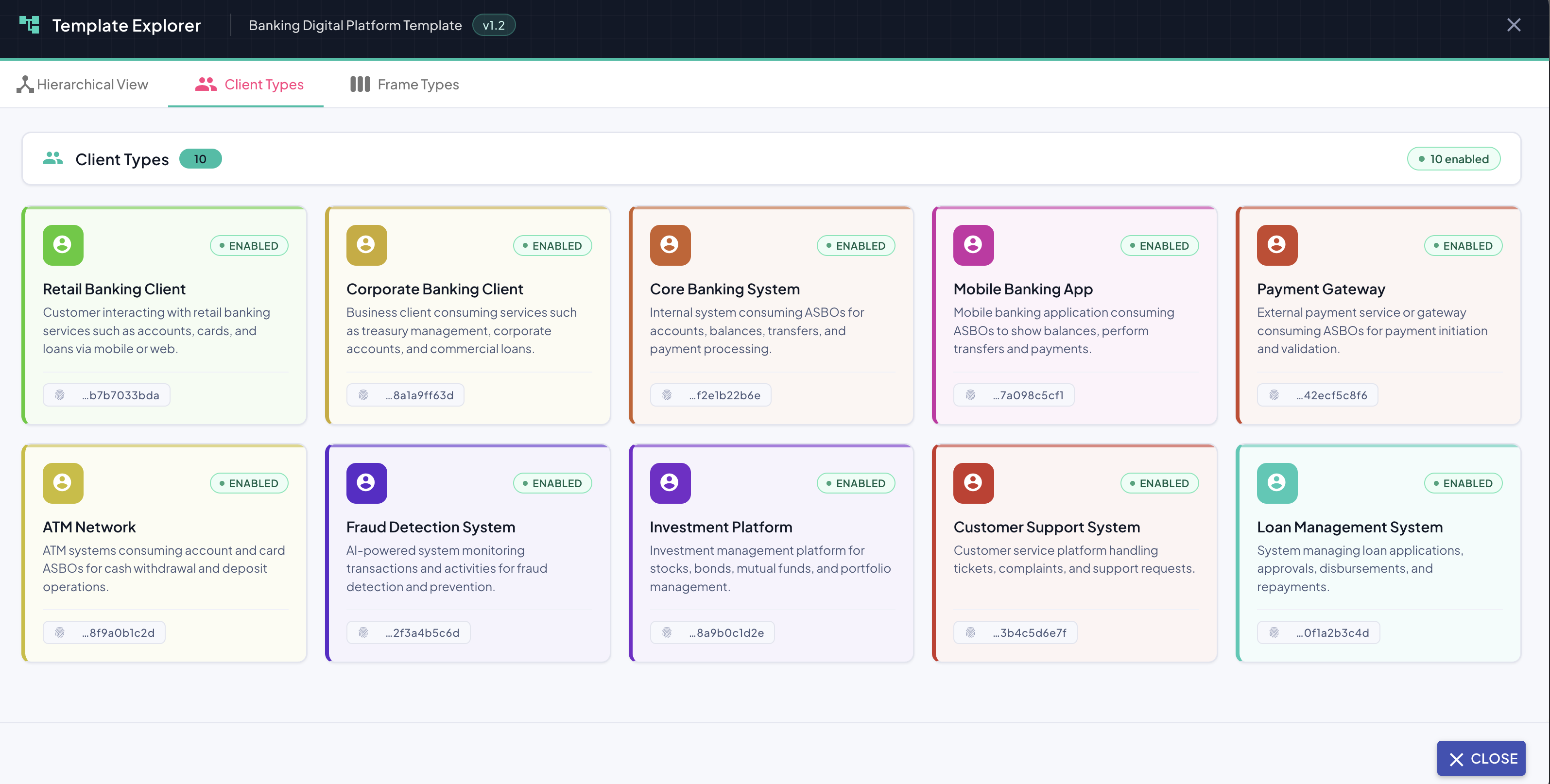
The Client Types tab provides a card-based overview of all client types defined in the template. Each card represents a single client type and displays its key properties at a glance.
Overview Panel
At the top of the tab, a summary header displays:
| Element | Description |
|---|---|
| Client Types count badge | Total number of client types defined in this template version (e.g., 10). |
| Enabled count badge | Number of client types currently in enabled state (e.g., 10 enabled). |
Client Type Card
Each client type is represented as a card in a responsive grid layout. A card displays:
| Element | Description |
|---|---|
| Icon | A colored avatar icon visually identifying the client type. The color varies per client type, aiding quick visual differentiation. |
| Enabled badge | Indicates whether the client type is currently active (ENABLED). |
| Name | The display name of the client type (e.g., Retail Banking Client, Fraud Detection System). |
| Description | A short explanation of the client type's role and what it consumes (e.g., Customer interacting with retail banking services such as accounts, balances, cards, and loans via mobile or web.). |
| UUID | A truncated unique identifier for the client type (e.g., …b7b7033bda), shown at the bottom of the card for reference. |
Read-Only Mode
The Client Types tab is purely informational. No modifications can be made from this view. To manage client types, use the dedicated client type management section within the profile.