Saving and Discarding Changes
Review and apply pending pipeline edits, or discard them to return to the last saved configuration.
All edits performed during a session — including version assignments, environment additions or deletions, sequence reordering, and drag & drop repositioning — are held in memory only and are not persisted until explicitly saved.
Saving Changes
Once you are satisfied that the release pipeline has been correctly configured, click Save Changes. A confirmation dialog will appear before any data is written to BizMetry.
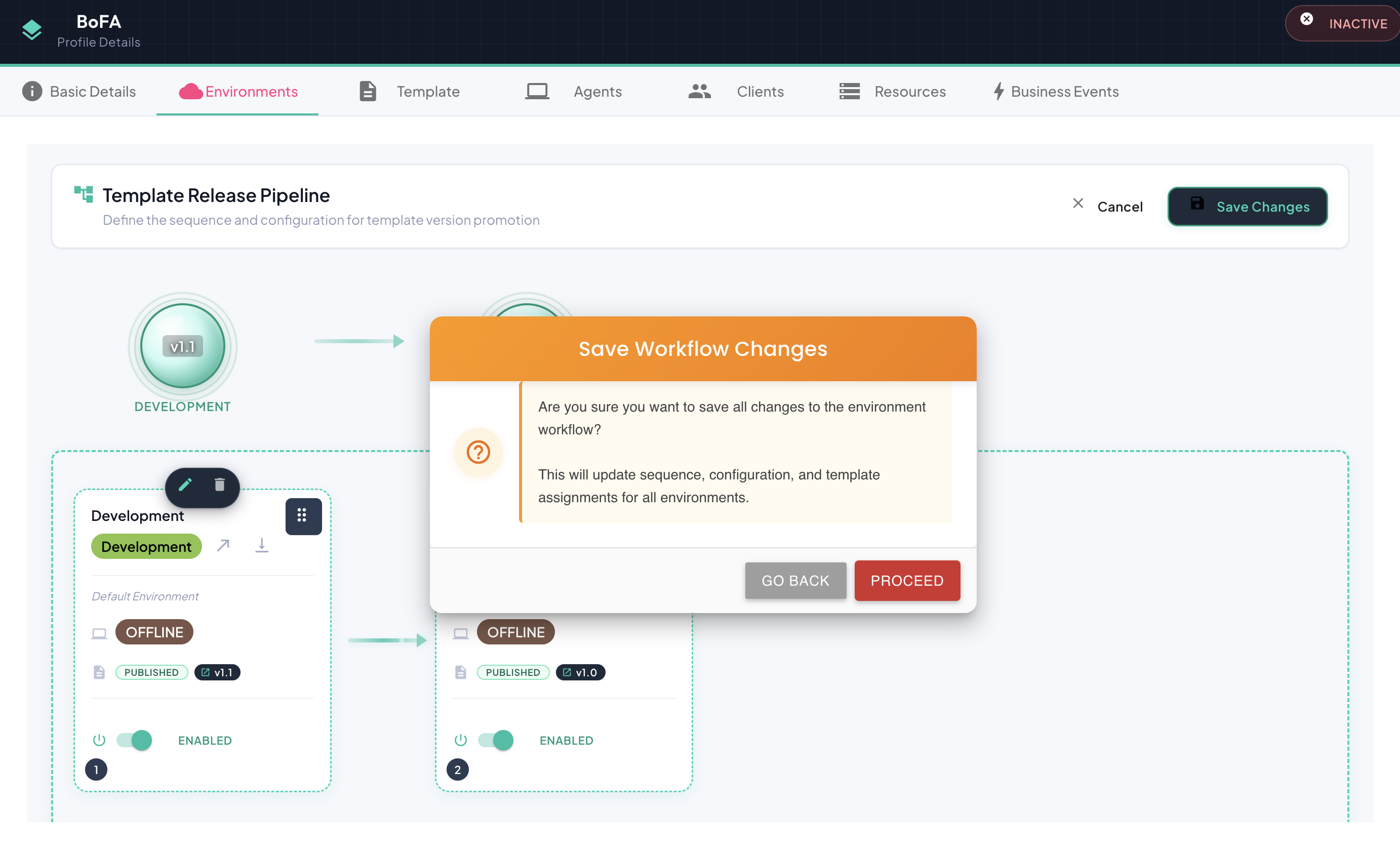
Upon confirmation:
- All pipeline changes are persisted to the BizMetry platform.
- The updated configuration is transmitted to all connected agents associated with the modified environments.
- Agents apply the received changes immediately upon receipt.
Propagation time
May vary from a few seconds to several minutes, depending on the synchronization frequency configured for each agent.
Discarding Changes
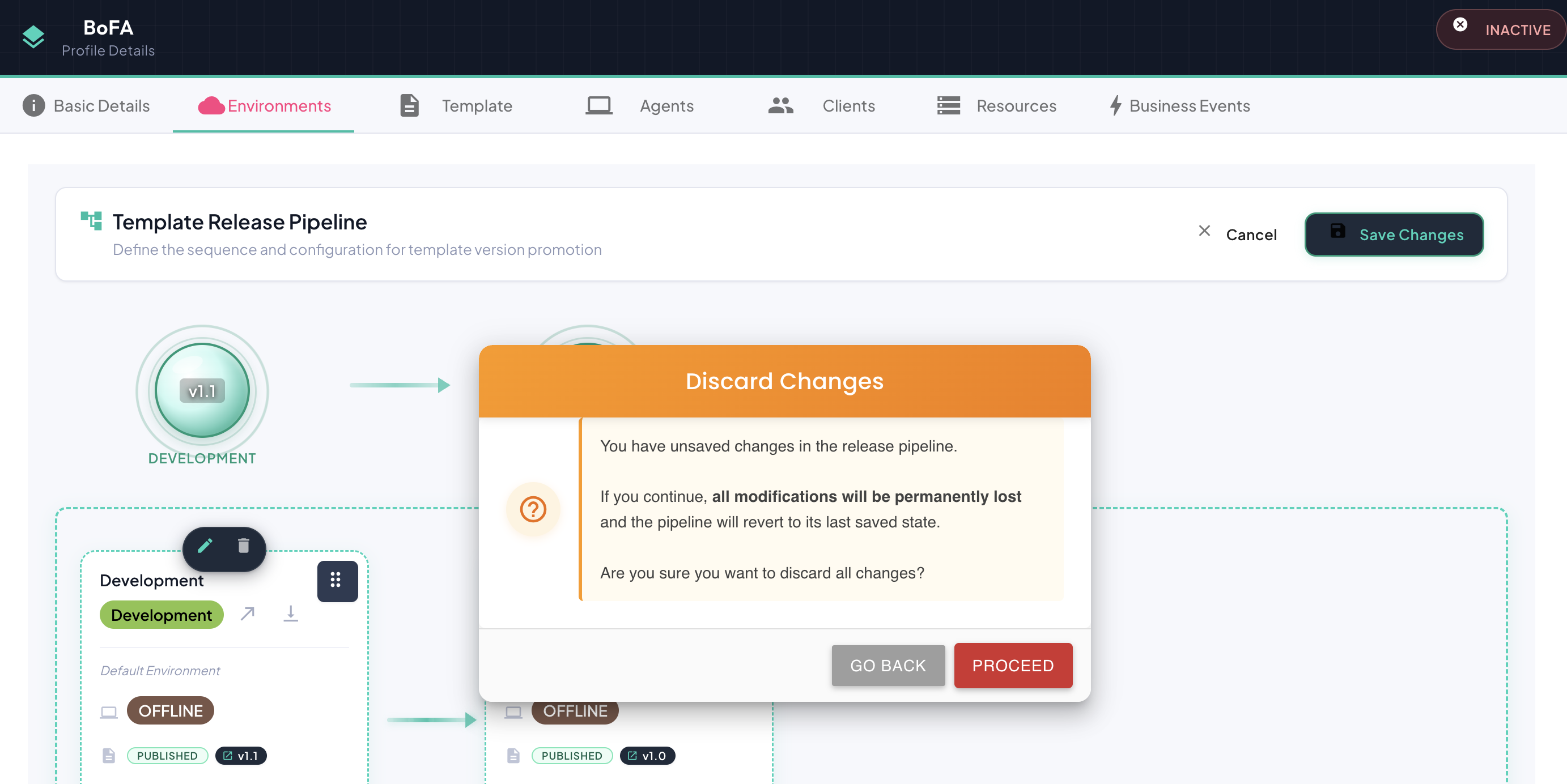
At any point during the session, you can discard all pending changes by clicking Cancel. A confirmation dialog will appear before any changes are discarded. Upon confirmation, the pipeline reverts to its last saved state and all in-session edits are lost.