Rolling Versions Across the Pipeline
Use Roll Up or Roll Down in edit mode to move Template assignments across several environments together.
At the bottom of the workflow, two buttons allow you to manage version distribution across the entire pipeline simultaneously:
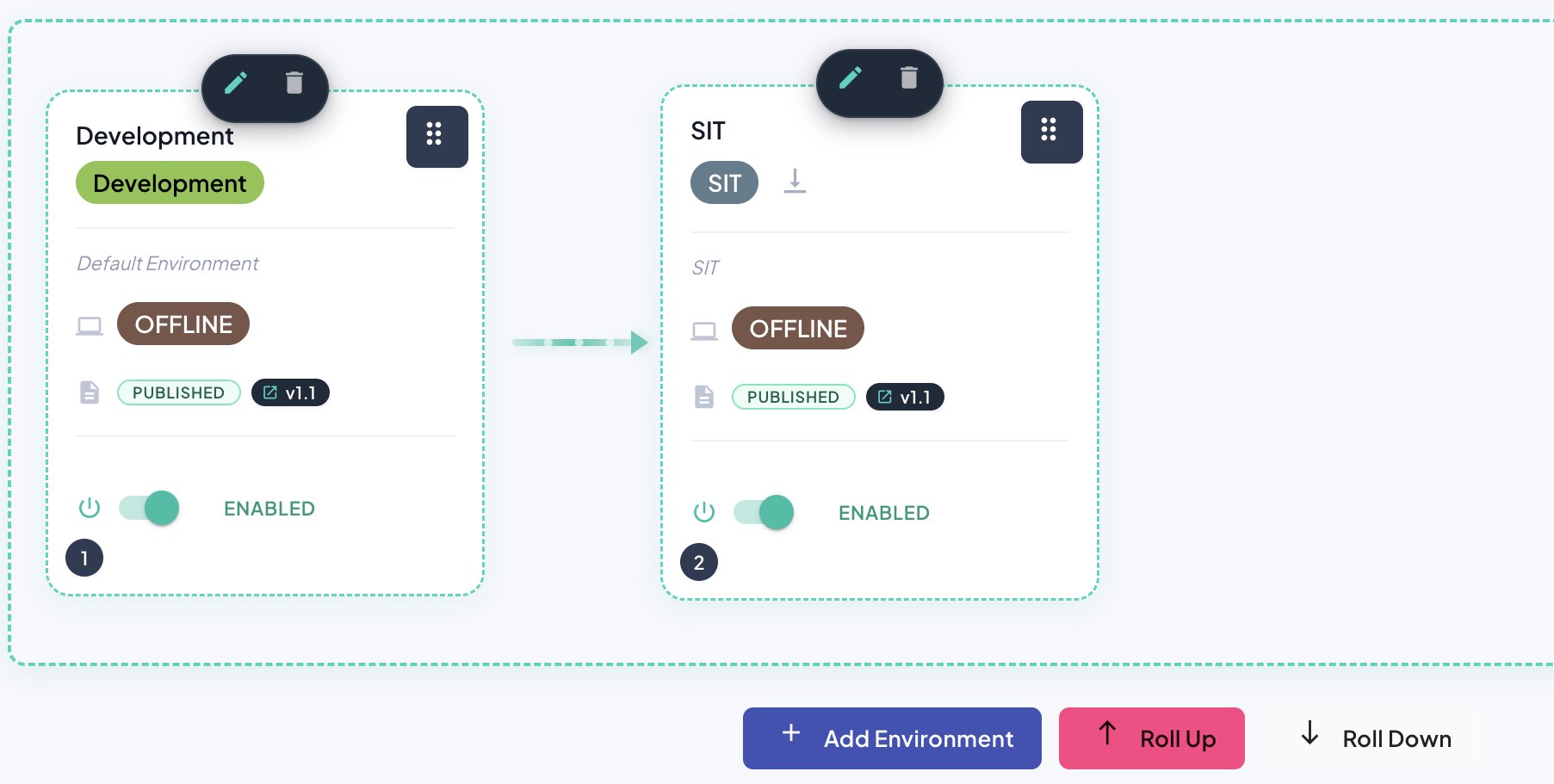
Roll Up
Performs a shift-right operation across the pipeline:
- Each intermediate environment (excluding
DEVELOPMENTandPRODUCTION) receives the template version from the environment immediately preceding it. - The
DEVELOPMENTenvironment automatically receives a version bump, incrementing to the next available version.
This is useful for rolling deployments, where changes move through the pipeline in a synchronized manner once each version has been adequately tested — particularly applicable when templates are modified frequently and multiple versions are in circulation simultaneously.
Roll Down
Performs the inverse shift-left operation:
- Each eligible non-
PRODUCTIONenvironment receives the template version from the environment immediately following it in the pipeline.
Warning
Important: Both Roll Up and Roll Down operations exclude the PRODUCTION environment. Promotion to production must always be performed manually for security and governance reasons.
Review the proposed assignments before saving. The plan follows the same ordering and lifecycle rules and agent preflight as individual version changes. If a required datasource pull cannot run, resolve the affected environment's agent connectivity before retrying.