Correlation Source
The correlation source tells BizMetry which value identifies/correlates this event's occurrences (e.g. to tie a request to its response, or to a business transaction). It can come from any of the source types described above, and it is required (*) for every operation. Some examples:
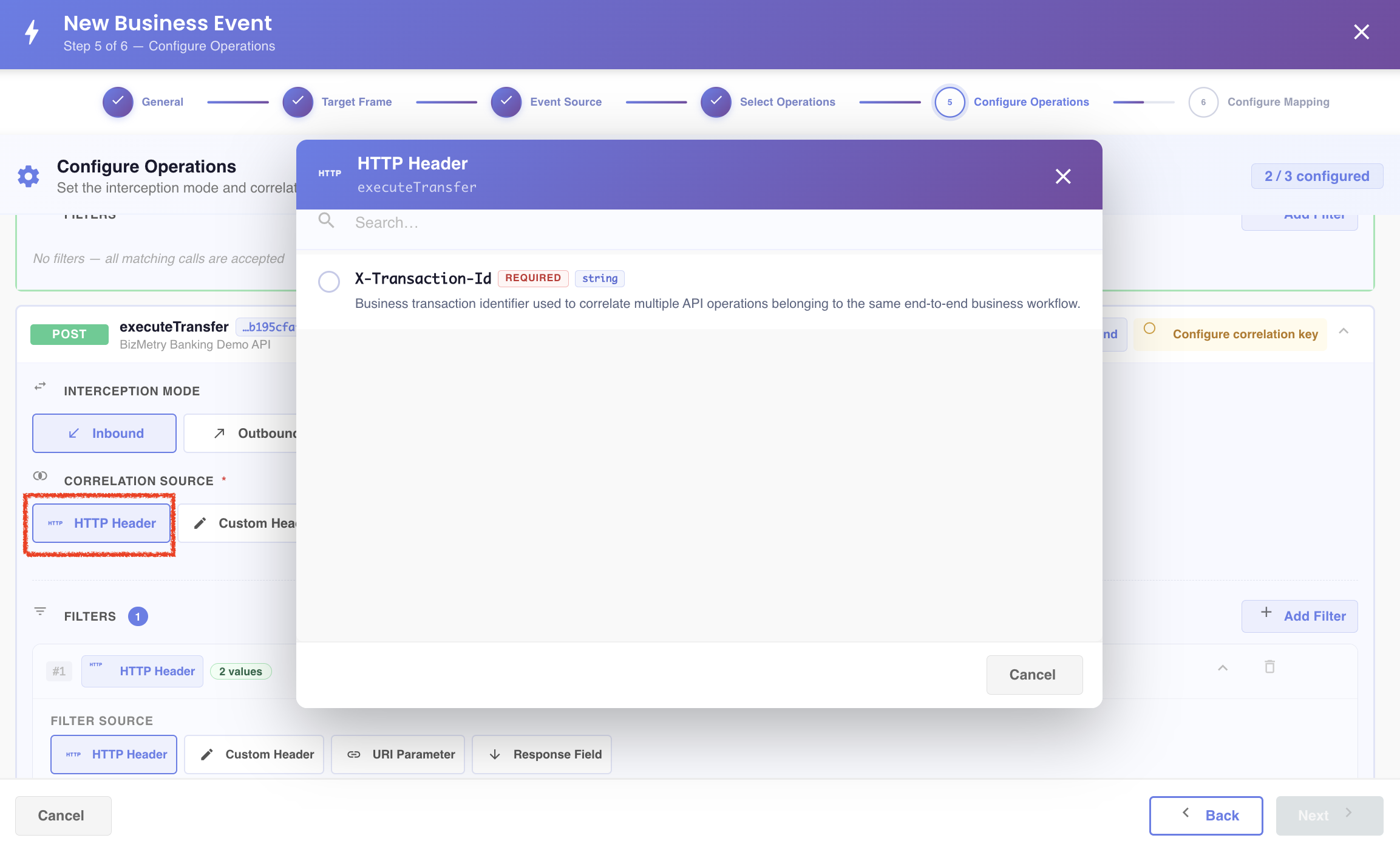
An HTTP Header
The list offers the whole catalog of standard HTTP headers. The headers the operation declares in its Swagger come first, in red, followed by the rest. Use the search box to narrow it down.
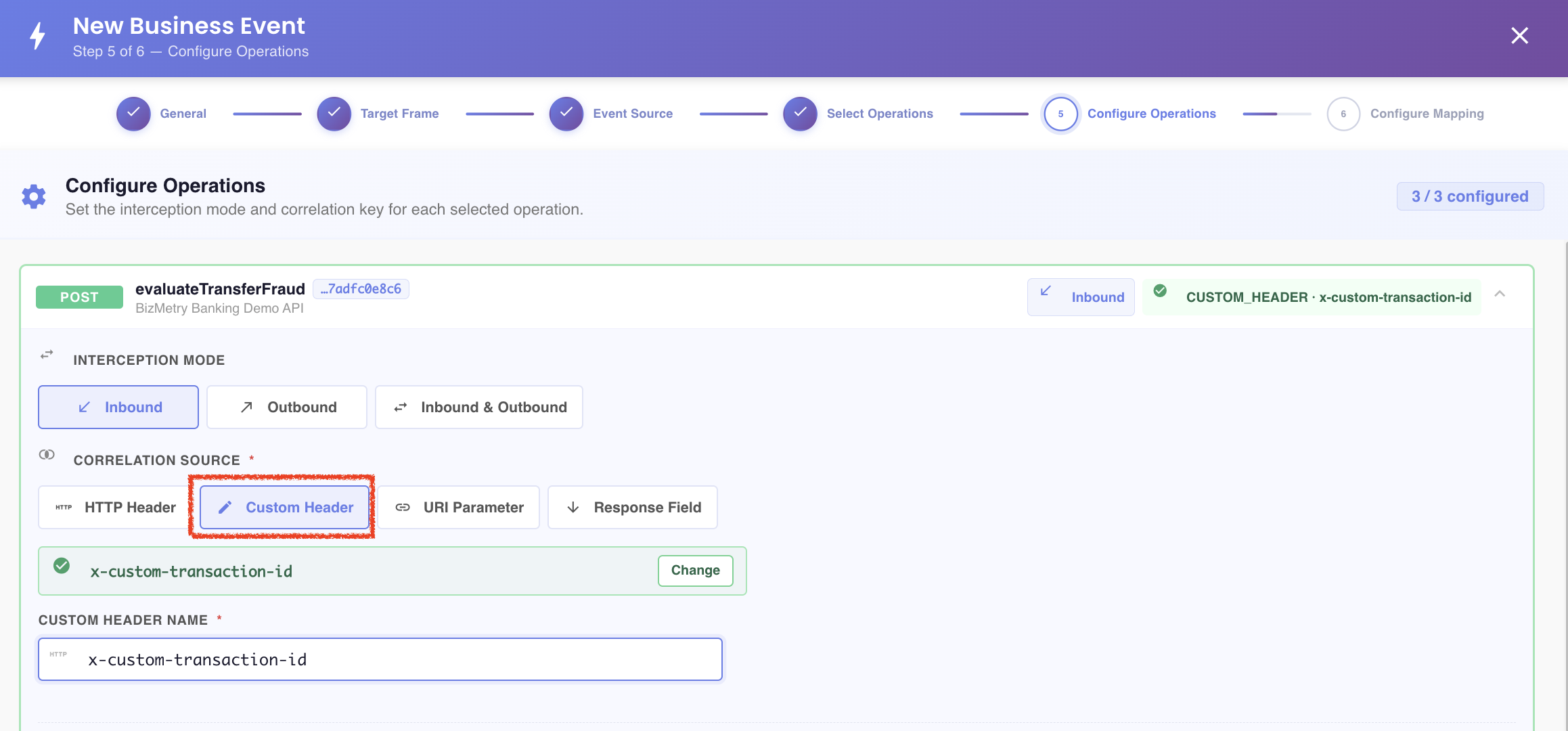
A custom header
Type the name of the header.
Sharing the Primary's header with every operation
When the Primary operation's correlation source is an HTTP Header or a Custom Header, the same header is applied to all the other operations. This happens when you choose the header on the Primary, and when you mark as Primary an operation that already uses one.
It replaces the correlation source those operations had. You can still change another operation by hand afterwards. Other source types are not shared, and changing an operation that isn't Primary affects only that operation.
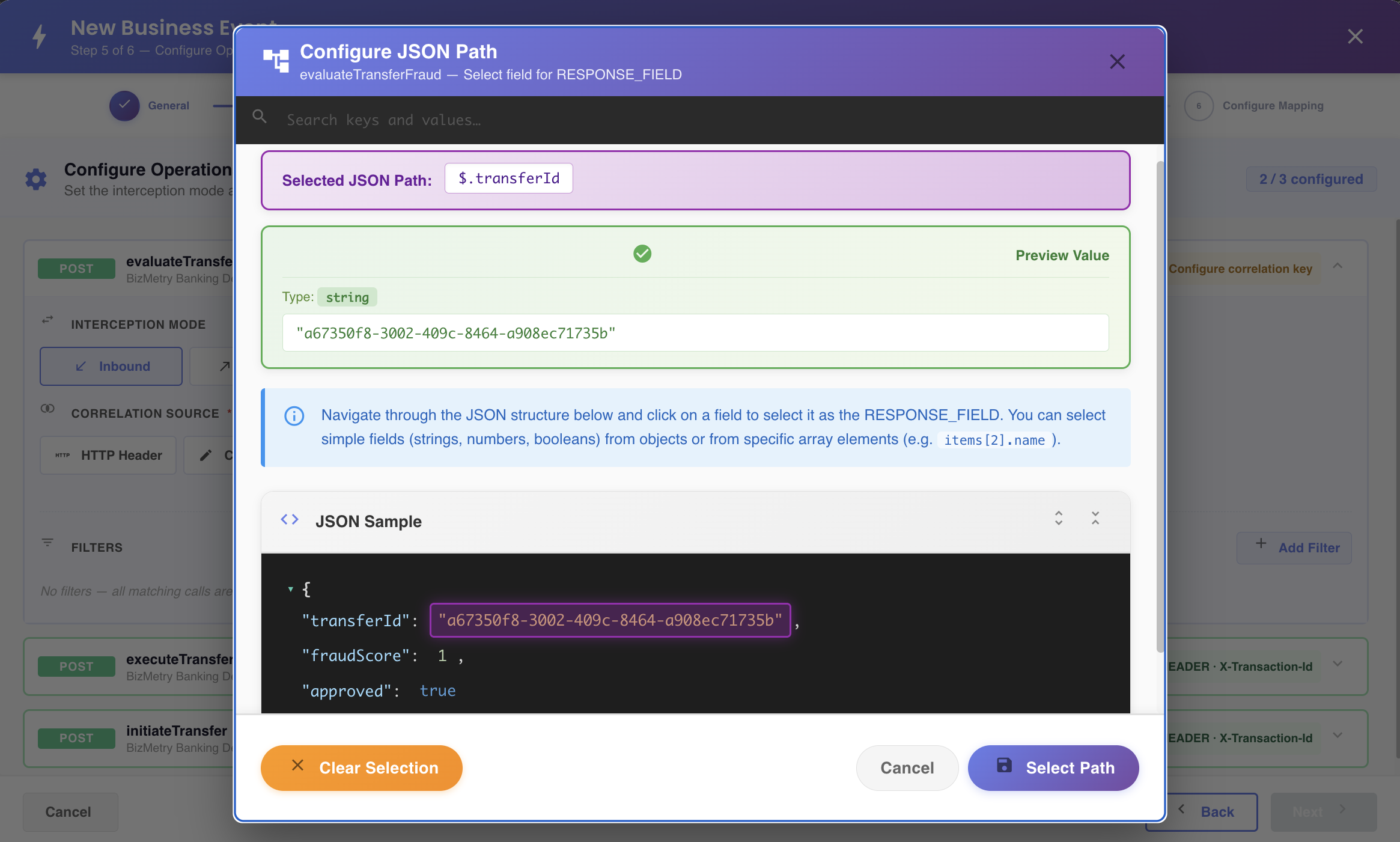
A response field
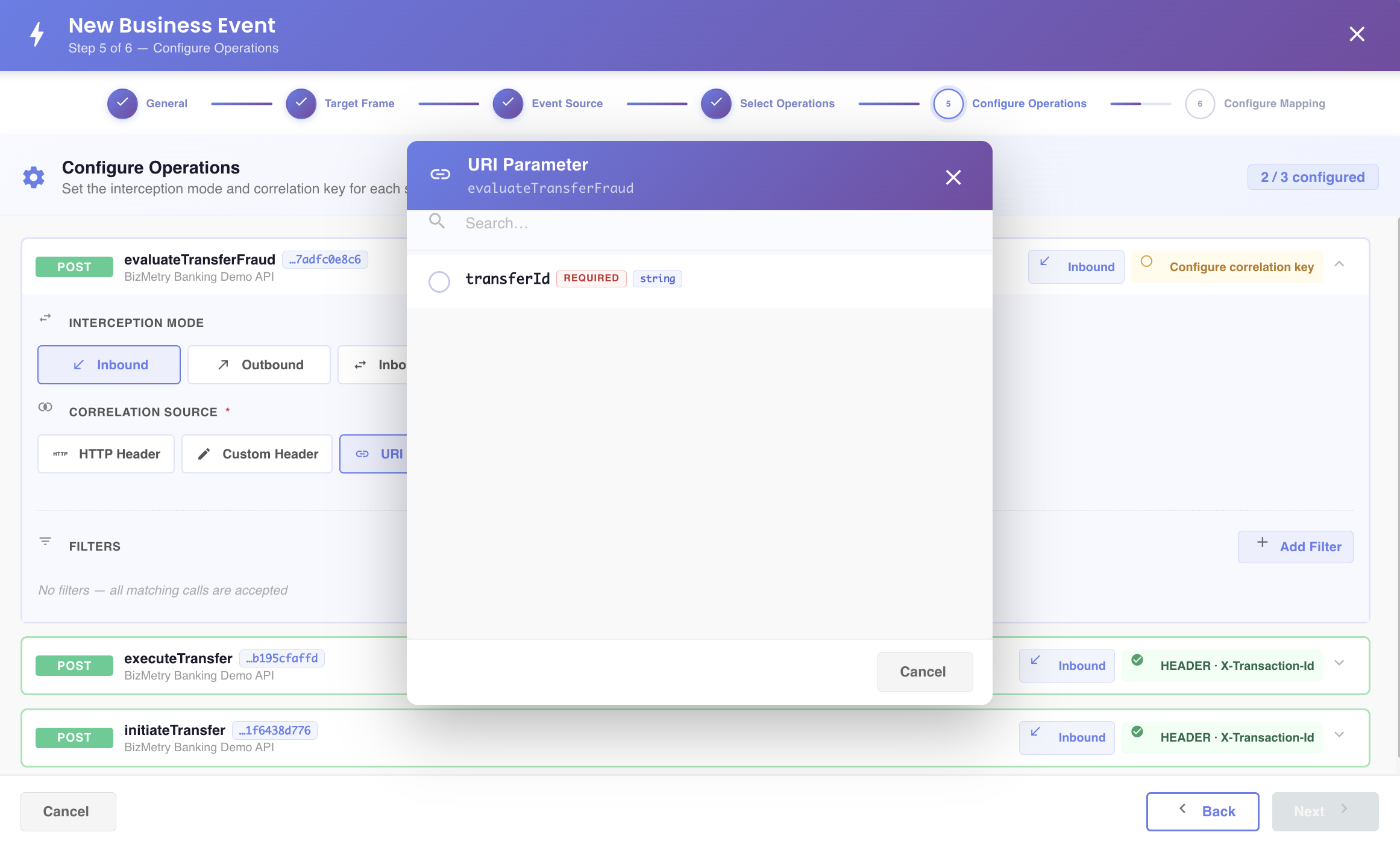
A URI parameter
Automatic detection
By default, BizMetry tries to auto-detect a correlation source common to all selected operations, by looking at their URI Parameters and HTTP Headers. If every selected operation shares the same one — for example, they all declare the X-Transaction-Id HTTP header — it's pre-selected as the Correlation Source automatically.
Tip
You can always override the auto-detected correlation source: click Change and pick a different source instead.
Back to Step 4 — Configure Operations.