Step 1 — Event Identity
The first step captures the basic identity of the Business Event you're creating.
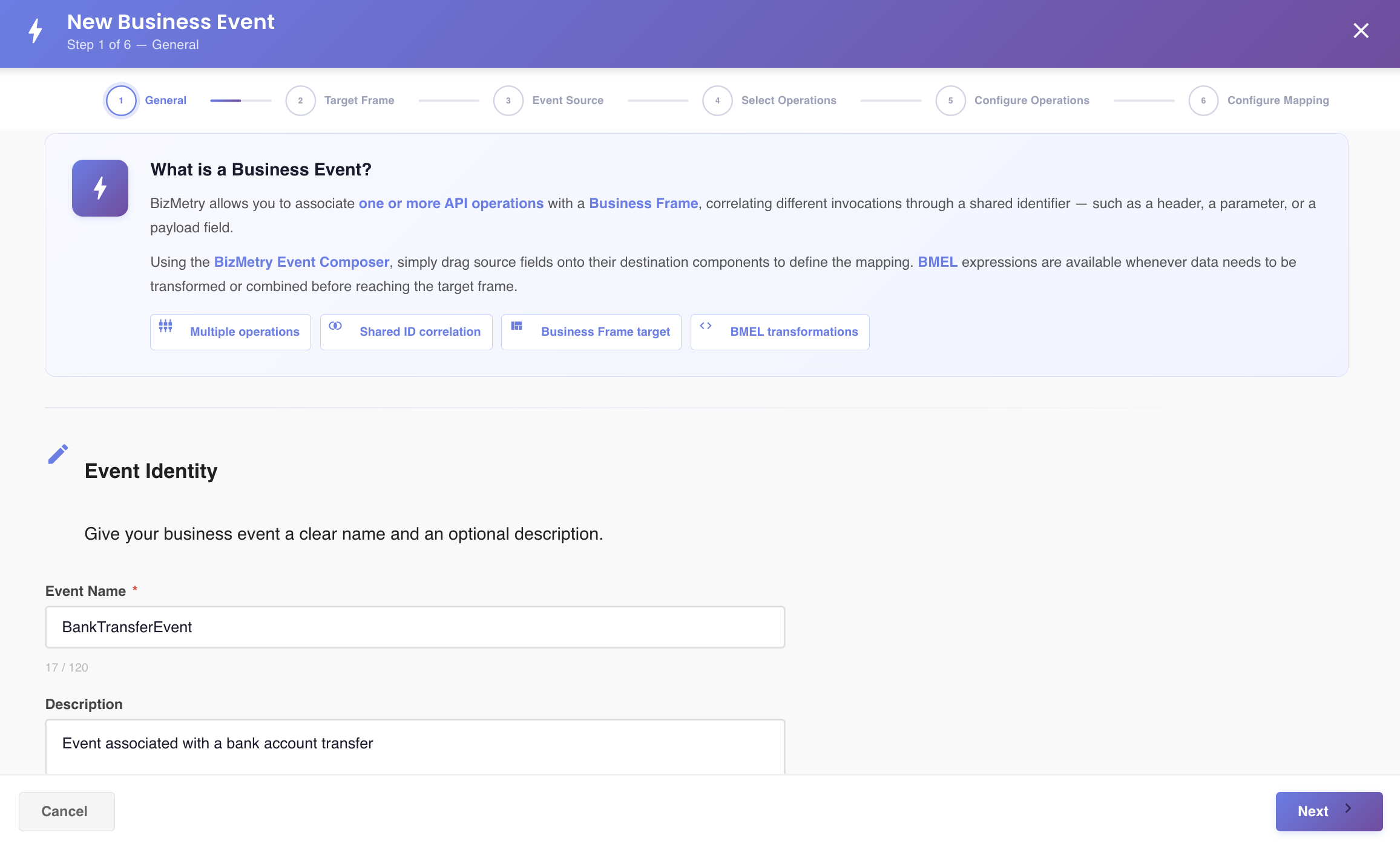
Fields
| Field | Description |
|---|---|
| Name | A descriptive name for this Business Event. Must be unique across the whole Profile — see validation below. |
| Description | Free-text notes on what this event captures and why. |
Note
The Interception Mode (INBOUND, OUTBOUND, INBOUND_OUTBOUND) is not selected here. It's configured per-operation in Step 5 — Configure Operations, since each selected operation can have its own interception mode.
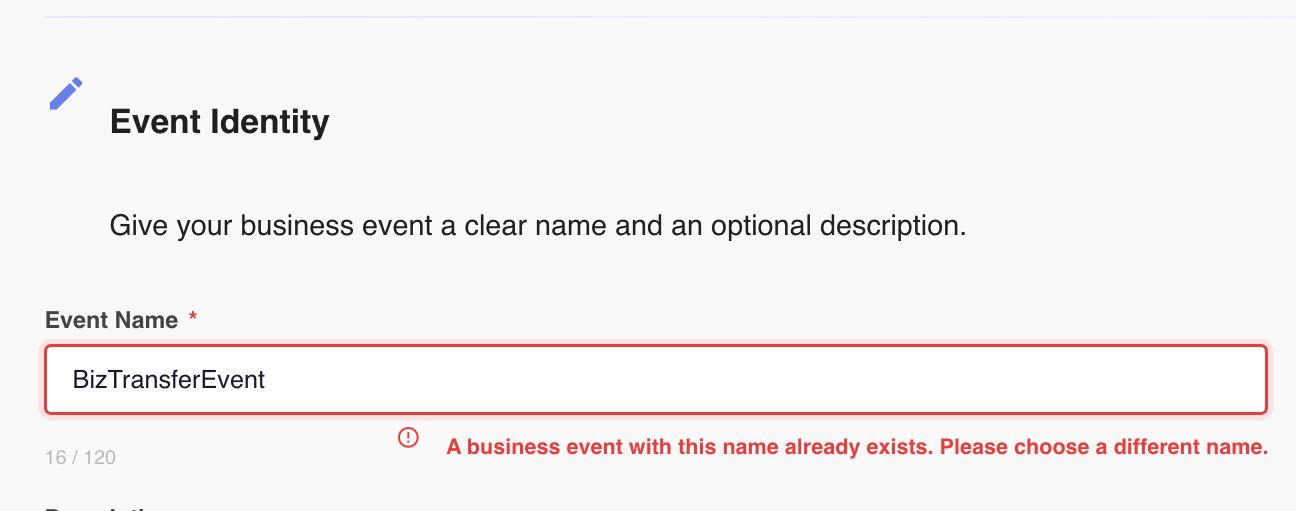
Unique name validation
The Event Name must be unique across the current Profile. If you enter a name that's already in use by another Business Event in this Profile, BizMetry blocks you from continuing until you choose a different one:
Click Next to continue to Step 2 — Source Type.