Unlinking a Nested Role
Where a role appears nested under a parent, an unlink button () sits in its header — right where the delete button appears on a top-level entry.
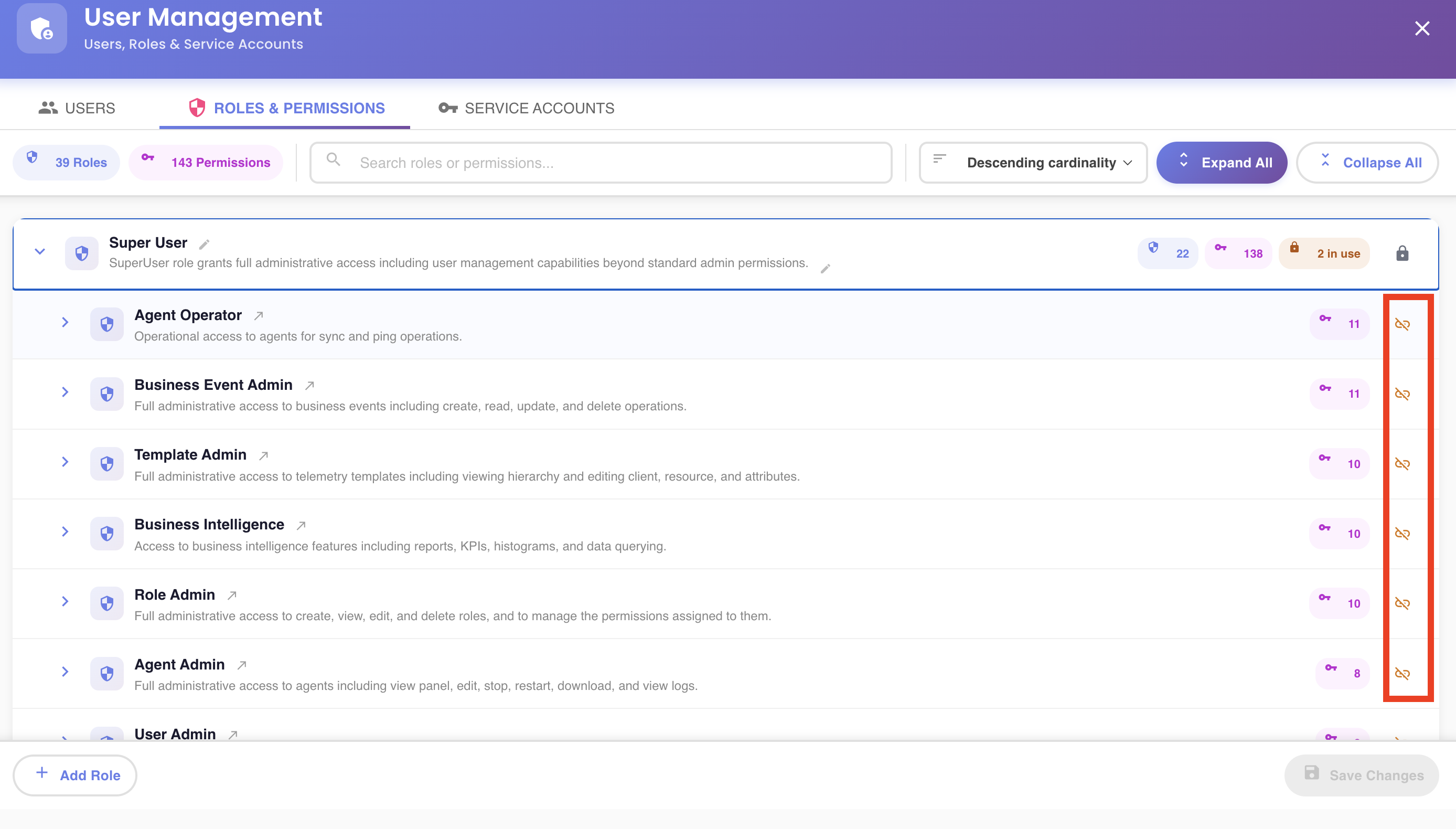
Unlinking removes the parent ↔ child relationship only. The child role itself is not deleted — it keeps existing, still appears at its own top-level entry in the tree, and can still be nested under other parents that reference it.
Only one level deep
The unlink button only appears when the role's direct parent is itself a top-level (root) entry. A grandchild — a role nested two or more levels down — can't be unlinked from that deep view. Manage it from its own top-level entry instead (see Navigating to a Nested Role's Root Entry), or unlink the nested role sitting directly above it.
Confirming
Click the unlink button once — it turns into a pulsing warning icon for a few seconds. Click it again in that window to confirm; otherwise it quietly reverts to normal. Once confirmed, the row shows a "Will be unlinked" chip with an Undo button, which stays available until you save.
Staged Until Saved
The unlink is staged — nothing is sent to the server until you click Save Changes. See the unsaved-changes model.