Creating a New Role
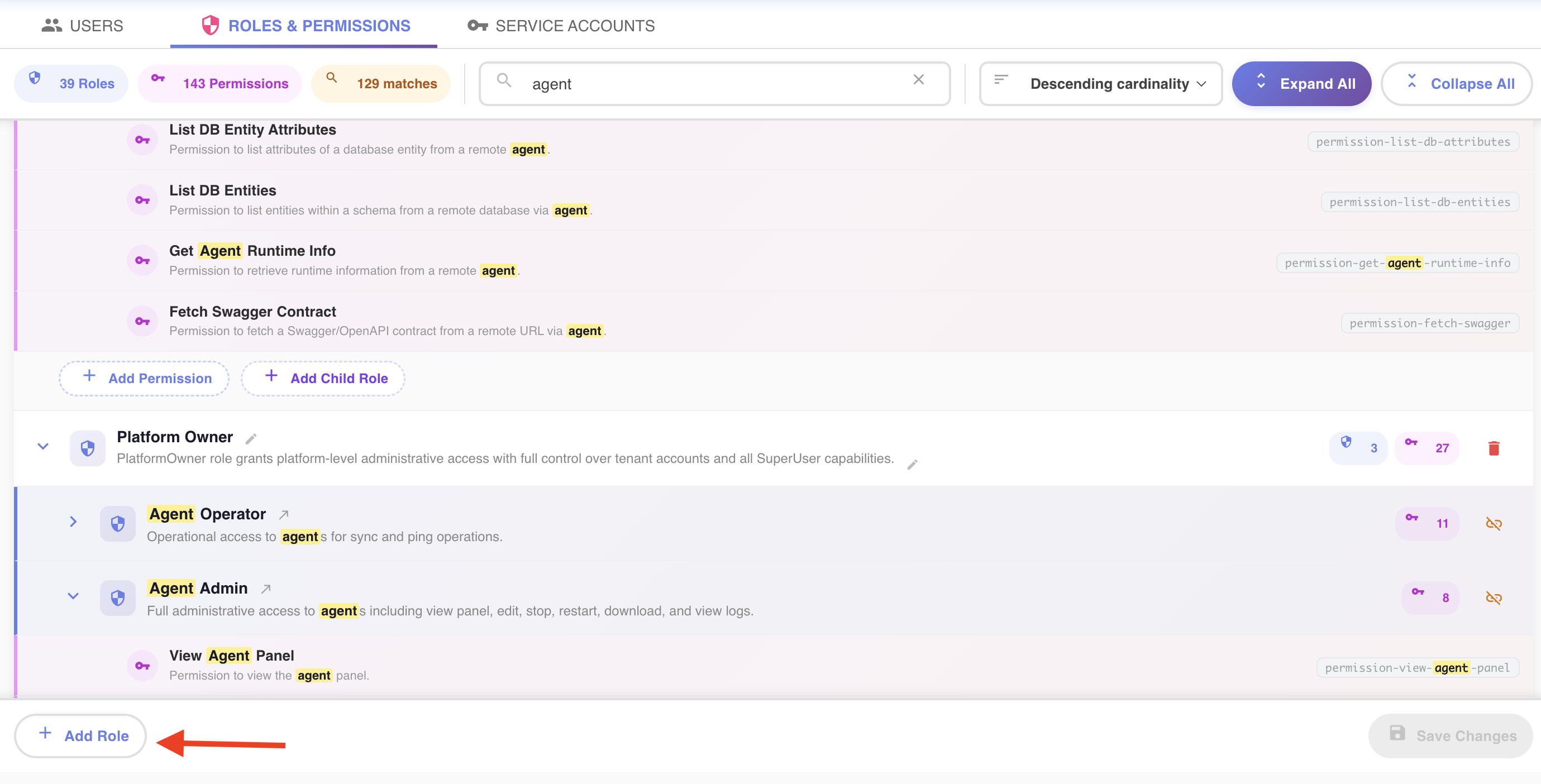
Click + Add Role in the fixed bottom bar of the Roles Explorer to open the Create New Role dialog.
Basic Info
| Field | Required? | Notes |
|---|---|---|
| Role name | Yes | Up to 100 characters |
| Description | No | Free text, up to 1,000 characters, explaining what the role is for |
Permissions and Roles Tabs
Below the basic info, the dialog splits into two tabs:
| Tab | What it's for |
|---|---|
| Permissions | Pick the permissions this role grants directly |
| Roles | Pick existing roles to nest as this role's children |
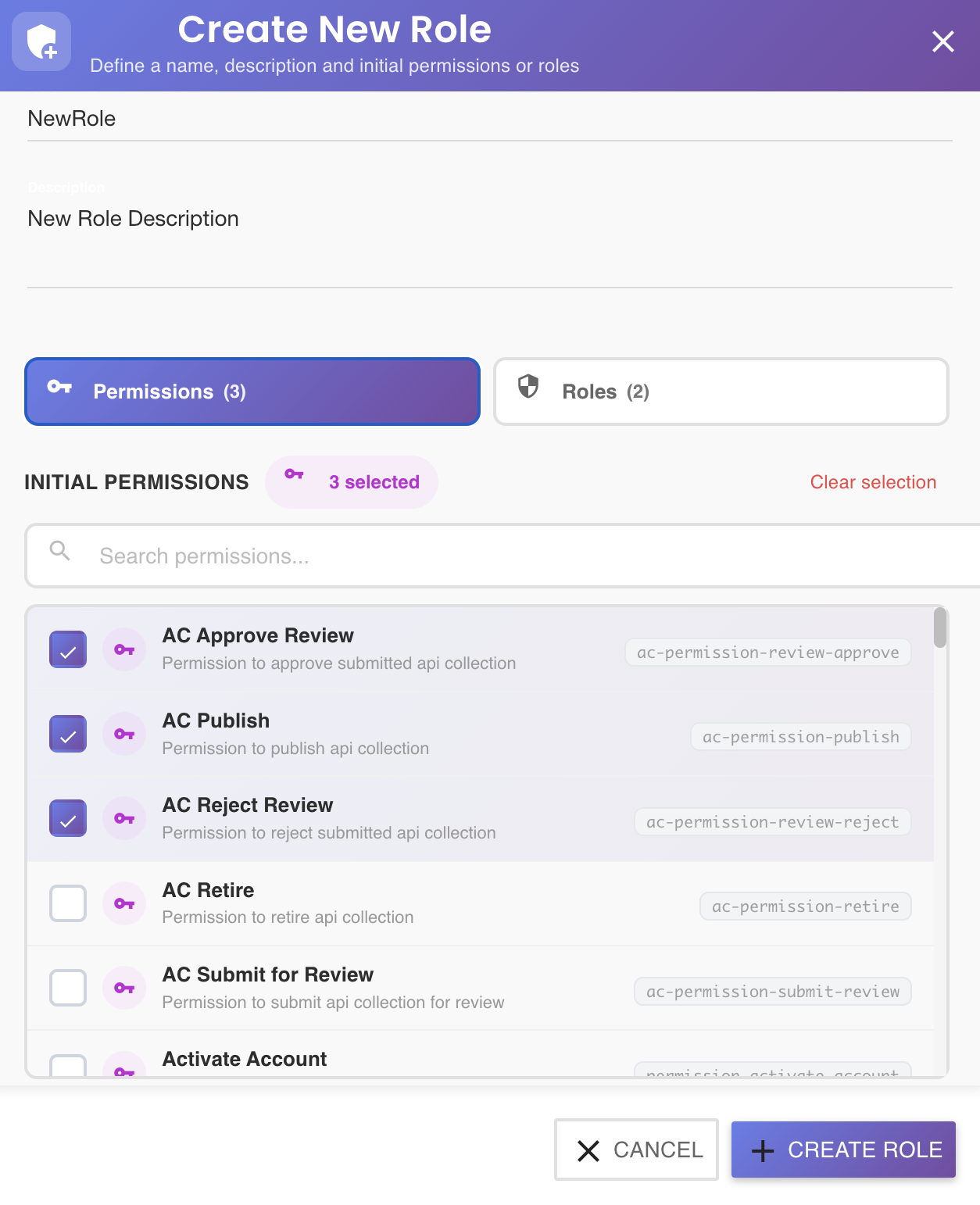
You can switch between the two tabs freely, as many times as you like, while filling out the dialog — selections on one tab are preserved when you switch to the other and back. Each tab shows its own running count next to its label once you've selected anything on it (e.g. Permissions (3)).
Selecting Items
Within either tab:
- Click anywhere on a row to select it — its checkbox fills in and the row highlights. Click it again to deselect.
- Both tabs have their own search box (filtering by name, description, or ID) and their own Clear selection button, which appears once at least one item on that tab is selected and clears just that tab's picks.
- The Roles tab only lists roles that already exist and are saved — a role can't be nested as its own child, and there's nothing to pick from here if the account has no other roles yet.
Neither tab is required to have anything selected to switch to the other — you can review or adjust both before creating.
Required to Enable "Create Role"
The Create Role button stays disabled until both of these are true:
- A role name has been entered
- At least one permission has been selected on the Permissions tab
Selecting child roles on the Roles tab is always optional and does not by itself satisfy the permission requirement — a role must define at least one permission of its own, even if it will also inherit more later through nested child roles. While the button is disabled, a hint at the bottom of the dialog explains exactly what's missing (name, permission, or both).
Pending Until Saved
Clicking Create Role doesn't create the role on the server yet — it adds it to a New Roles (unsaved) section at the top of the tree, tagged NEW. From there you can:
- Discard it () before it's ever saved
- Keep adding more permissions or child roles to it, the same way as an existing role
The role is only actually created once you click Save Changes — see the unsaved-changes model. If you also picked child roles, those get linked in a follow-up call right after the role itself is created, since linking needs the new role's real ID.