Adding a Permission to a Role
Expand a role in the Roles Explorer and click + Add Permission below its permissions list.
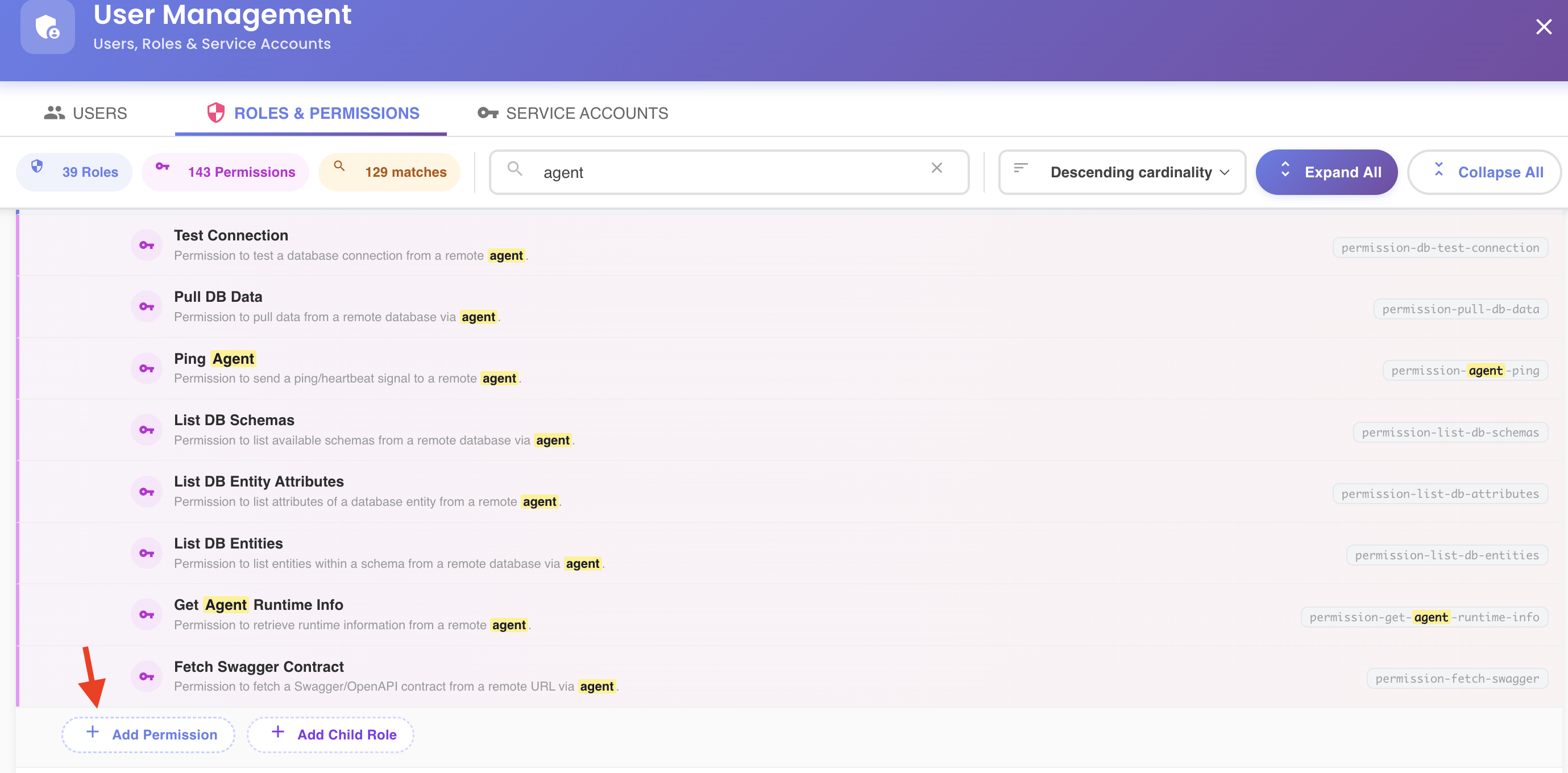
Root-level roles only
This button only appears for a role's own top-level entry in the tree. Where the same role shows up nested under another role, it's read-only — see Navigating to a Nested Role's Root Entry for how to get to the entry where you can edit it.
Picking Permissions
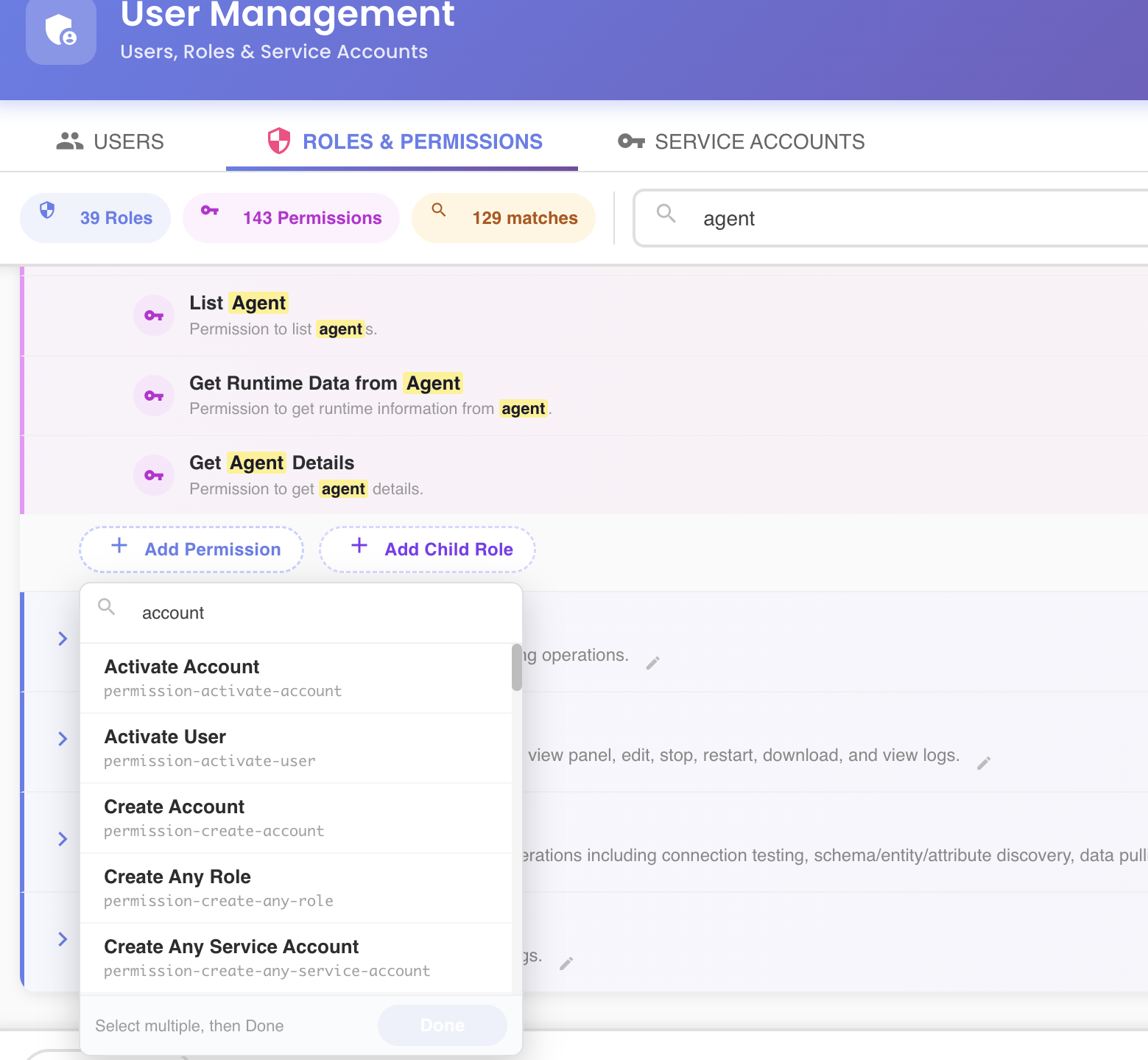
Clicking + Add Permission opens a searchable dropdown listing every permission in the catalog that isn't already assigned to the role. Selecting one adds it immediately and the dropdown stays open — the footer shows a running Done (N added) count so you can pick several in a row without reopening the menu. Click Done, or click anywhere outside the dropdown, to close it.
Staged Until Saved
Each addition is staged in the tree — reflected right away in the role's permission count badge — but not sent to the server until you click Save Changes. See the unsaved-changes model.