Adding a Child Role
Expand a role in the Roles Explorer and click + Add Child Role below its permissions list, next to + Add Permission.
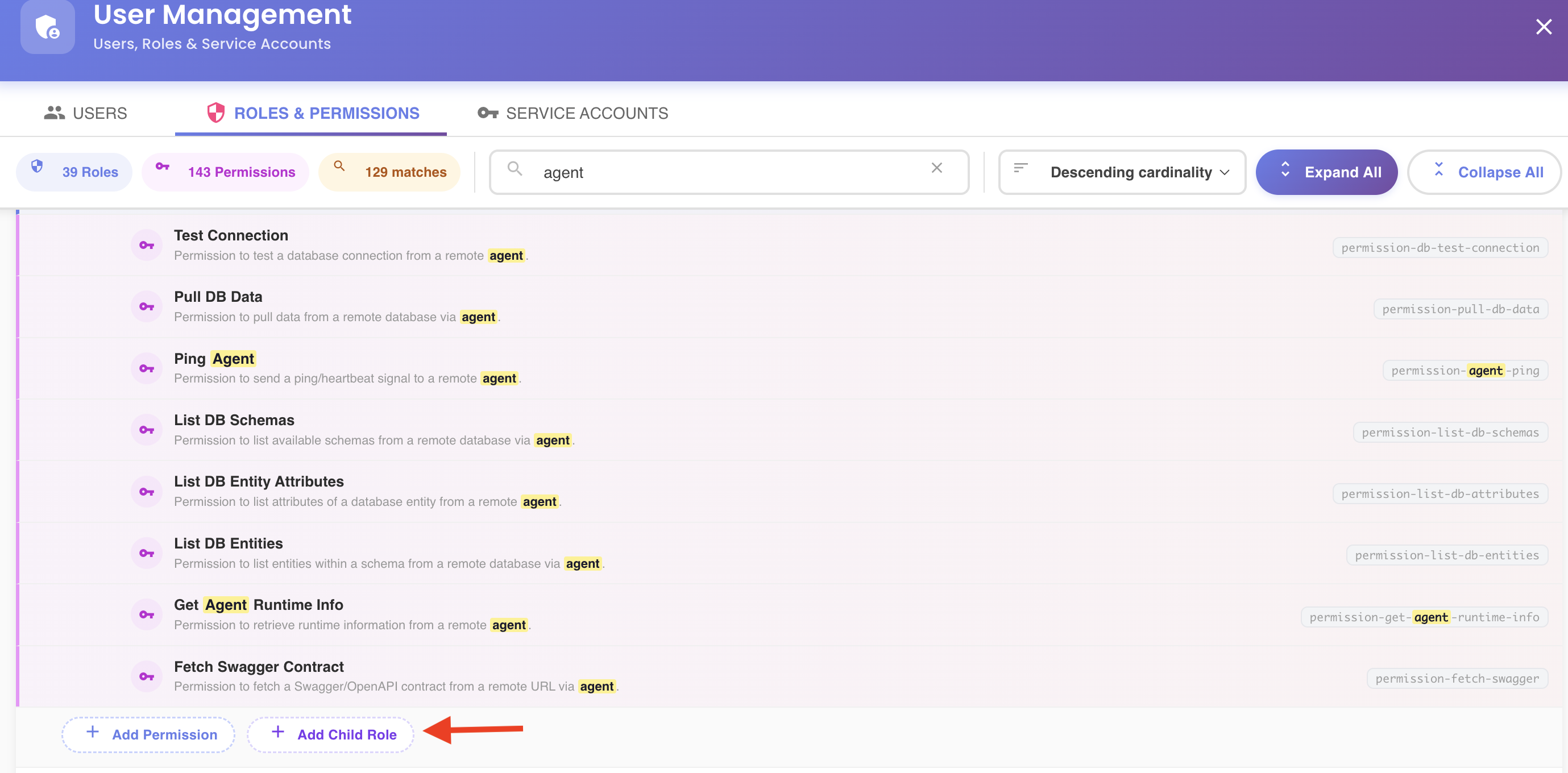
Nesting a child role under a parent means the parent inherits everything the child grants — its direct permissions plus, in turn, anything that child's own nested children grant. A user or service account assigned the parent role effectively gets all of it. This cascade is also what role sorting by cardinality counts, and what makes a nested role show as "in use" even if it was never assigned directly.
Root-level roles only
This button only appears for a role's own top-level entry — see Navigating to a Nested Role's Root Entry if you're looking at a nested occurrence.
Picking a Child Role
The dropdown lists existing roles eligible to be nested under this one, excluding:
- The role itself
- Roles already linked as its children
- Any role that is currently an ancestor of this role — linking it would create a cycle, so it's left out
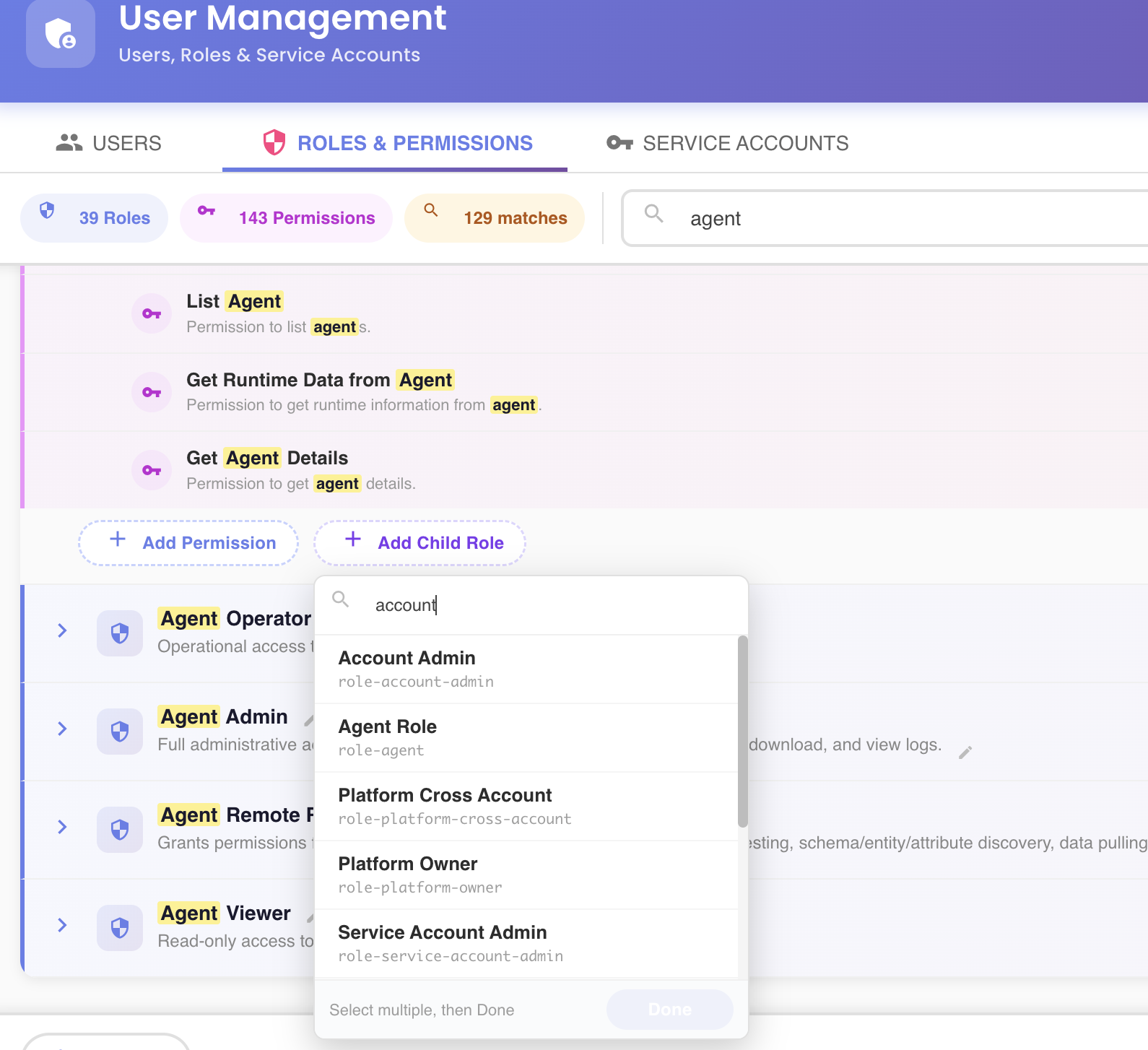
Only existing, already-saved roles can be added this way. A role you're still creating picks its child roles at creation time instead, in the Create New Role dialog's Roles tab.
Staged Until Saved
The new nesting is staged in the tree — visible right away as a child entry — but not sent to the server until you click Save Changes. See the unsaved-changes model.