Privacy Policy
Before creating a BizMetry account, you must read and accept the BizMetry Platform Privacy Policy.
How to Access the Privacy Policy
In the registration form, click the Privacy Policy link in the consent section:
I agree to the Terms & Conditions and Privacy Policy
A dialog will open displaying the full text of the Privacy Policy. The document header indicates the version in effect:
BizMetry Platform — Last updated April 2026
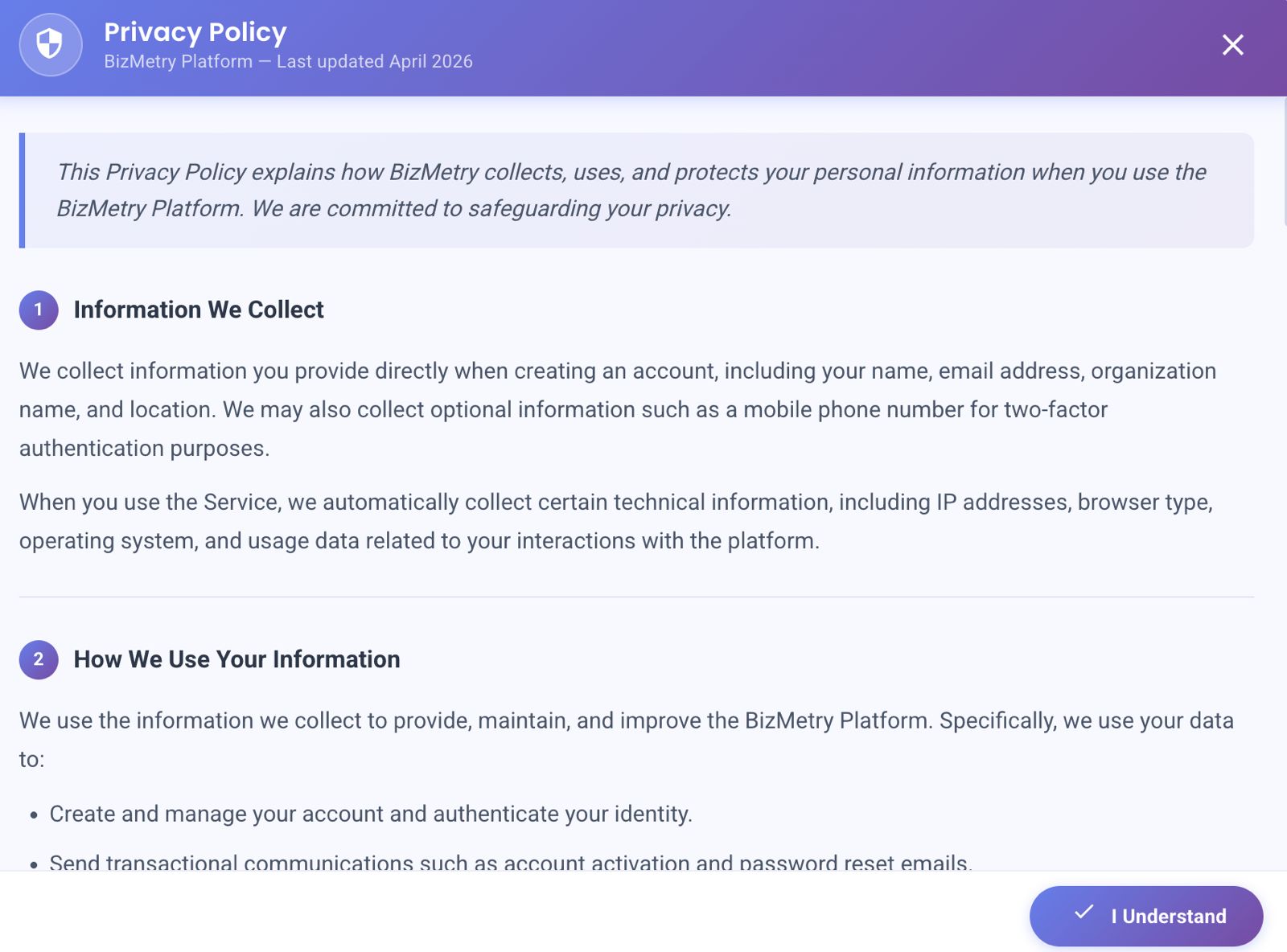
The Privacy Policy dialog. Scroll through the full document before clicking "I Understand".
Content Overview
The Privacy Policy explains how BizMetry collects, uses, and protects your personal information.
| Section | Description |
|---|---|
| 1. Information We Collect | BizMetry collects information you provide during registration (name, email, organization, location) and optionally your mobile phone number for 2FA. It also automatically collects technical data such as IP address, browser type, operating system, and usage data when you interact with the platform. |
| 2. How We Use Your Information | Your data is used to create and manage your account, authenticate your identity, and send transactional communications (account activation, password resets). |
| (additional sections) | The document continues with further details on data sharing, retention, security measures, your rights, and contact information. |
Info
You must scroll through the full document before accepting.
Accepting the Privacy Policy
Once you have read the Privacy Policy:
- Click the "I Understand" button at the bottom-right of the dialog.
- The dialog will close and the Privacy Policy consent checkbox in the registration form will be automatically checked.
Acceptance is mandatory
You cannot create a BizMetry account without accepting the Privacy Policy. The CREATE ACCOUNT button will remain disabled until this checkbox is checked along with the Terms & Conditions.